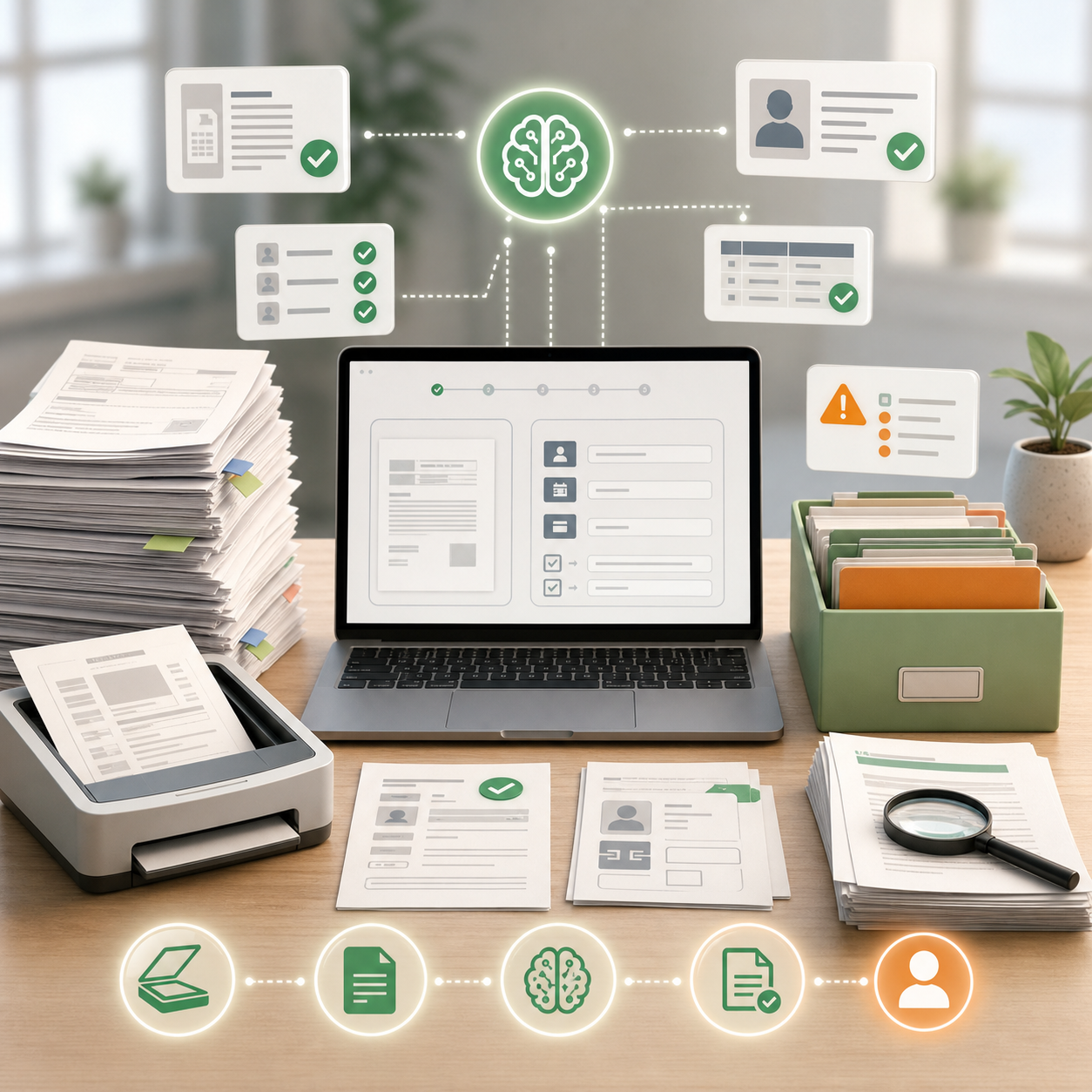
Many Nepali teams still move documents by hand. Staff open a scan, find fields, compare rules, rename the file, and send it to the next person. AI can help when that work repeats.
The first document pilot should be boring. It should read one document type, pull a small set of fields, and send unclear files to a person. That is enough to learn whether the source files and review rules are ready.
Pick one document type
Do not start with every document. Pick one type with enough samples. For example, choose invoices from regular vendors, KYC files with a fixed checklist, or admission forms with standard fields.
Count the monthly volume before you build. Fifty files a month may be too small for a custom flow unless the files are slow or risky. Five thousand files a month may need queue design, error tracking, and staff roles from the start.
Choose files that staff already know how to review. If every reviewer uses a different rule, write the rule first. AI should copy a known checklist, not guess what the checklist should be.
Define the fields
List the fields the system should read: name, date, amount, PAN, phone number, district, branch, or missing signature. Keep the first list short. Add more fields after the system is stable.
For invoices, the first fields may be vendor name, invoice number, date, total amount, VAT amount, and PAN. For KYC, the fields may be name, phone number, citizenship number, address, signature, and photo status. For school forms, the fields may be student name, guardian name, grade, contact number, and missing documents.
Write how each field should be checked. Does the date need a certain format? Does PAN need a fixed length? Does the file need both front and back pages? These checks are easier to test than vague instructions.
Prepare sample files
Use real file conditions. Include phone photos, scanned PDFs, tilted images, faint ink, cropped pages, and mixed Nepali and English labels. If the pilot only sees clean scans, it will fail when staff upload files from real customers.
Make a sample set with accepted files and rejected files. Keep a note beside each rejected file: missing page, unreadable amount, wrong document, expired date, duplicate file, or manual review needed. The labels help you test the first version.
Set review rules
AI can flag a file as missing data or send it to a staff queue. It should not approve sensitive documents alone. KYC, finance, health, legal, and government files need review by a person.
The review rule should say who checks the output and what they see. A reviewer may need the extracted fields, source image, reason for the flag, and a button to approve or reject. If the reviewer has to open five screens, the pilot will feel slower than manual work.
Test blurry scans, phone photos, mixed Nepali and English text, and files with handwriting before launch.
Handle duplicates
Document queues often contain the same file twice. A customer sends a form again. A branch uploads a scan twice. A staff member renames a file and sends it to a second folder. The pilot should detect likely duplicates or at least flag files with the same number, name, and date.
Do not delete duplicates automatically at first. Send them to review with a clear note. Staff can decide whether the second file replaces the first file or should be ignored.
Track errors by type
Count processed files, wrong field reads, missing pages, duplicate files, and files sent to the wrong queue. Those errors tell you which samples or rules need repair.
Review the error list each week. If amount reads are wrong, add more invoice samples. If signatures are missed, adjust the checklist. If many files go to manual review because the source is unreadable, fix scanning rules before adding more document types.
Keep private data out of demos
Mask citizenship numbers, bank details, health notes, and account numbers in test files unless the pilot truly needs them. Limit access to real samples and keep a record of who reviewed them.
For early testing, fake but realistic files can be enough. If real samples are needed, remove fields the pilot does not use. A document sorter for invoice totals does not need a customer phone number. A missing-signature checker does not need bank details.
Decide when to expand
Add a second document type after the first queue is stable. Stable means staff agree with most fields, error types are tracked, and the review path is faster than the old manual path. If the first queue still creates daily confusion, keep fixing it.
Document AI is useful when it reduces repetitive checking and makes review easier. Keep that as the test. If the pilot hides errors or adds extra review work, narrow the fields and try again.